Views
Focus on the Work, Not the Interface
Stop searching for status updates. Visualize your workflow in the way that makes you most productive. One source of truth, three powerful views.
Free 14-day trial
No credit card required
Cancel anytime


“Excellent, uncomplicated
but powerful”
“My new favorite
task management App”

“Simple and Easy to use”

Your team is busy, but are they moving forward?
Most managers waste 60% of their day on "work about work." They spend hours chasing status updates, hunting for deadlines, and manually syncing data. This lack of clarity leads to missed handoffs, burnt out teams, and projects that quietly bleed revenue as they slip off track
Astravue bridges this gap instantly. Our Project Views (Kanban, List, and Calendar) align with how you actually think. Stop checking in and start driving results with 100% clarity.
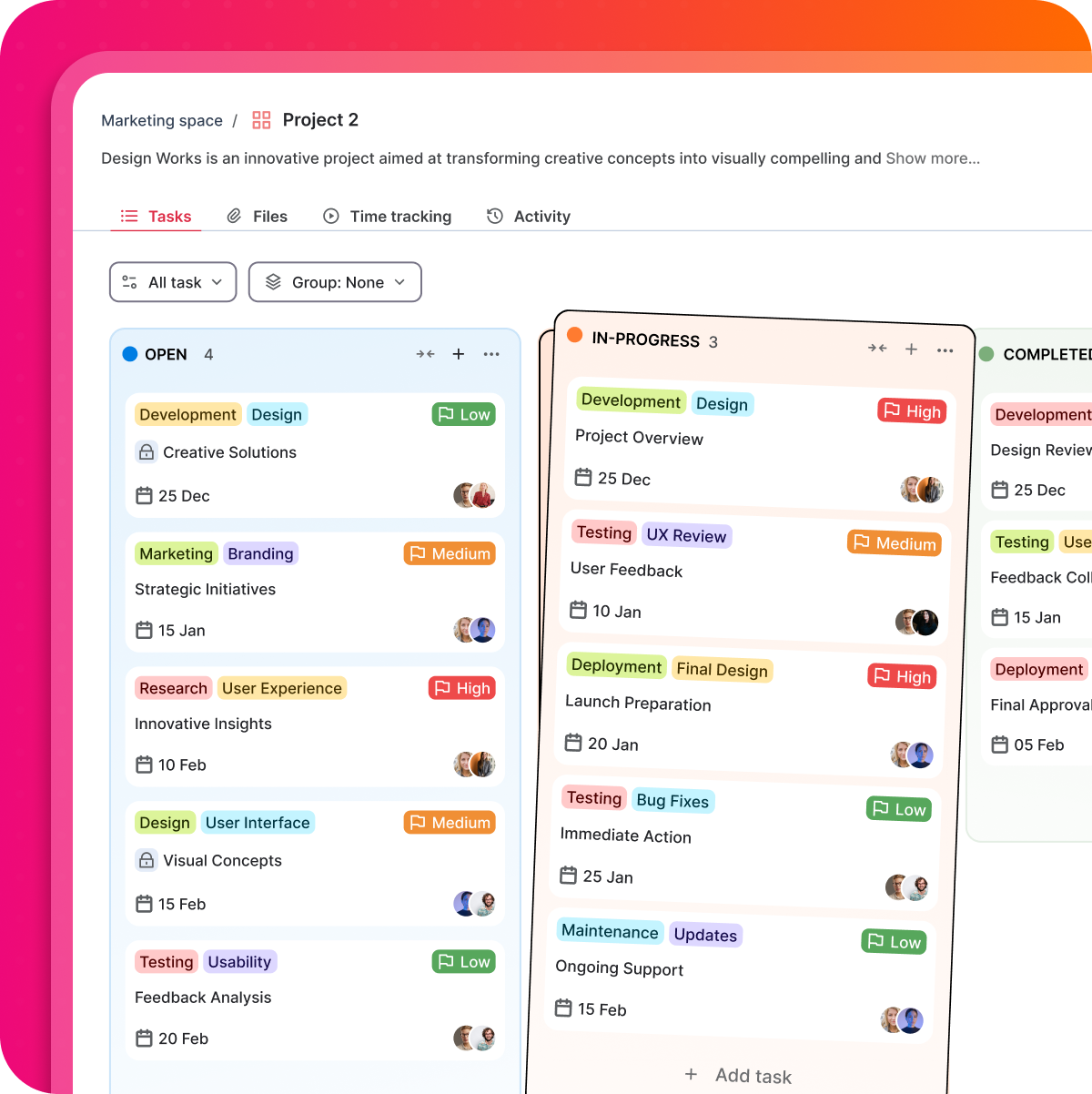
Kanban View: Visualize the Flow
Stop guessing where the bottlenecks are. The Kanban view transforms your project into a visual pipeline, moving tasks from "To-Do" to "Done" with total transparency.
Spot Bottlenecks Instantly
See exactly where work is piling up. If the "Review" column is overflowing, you can reallocate resources before the deadline is compromised.
Drag-and-Drop Simplicity
Update project status in seconds. No complex menus - just move a card to keep the entire team in sync.
The Result: A clear pulse on your production line and a team that always knows what’s next.
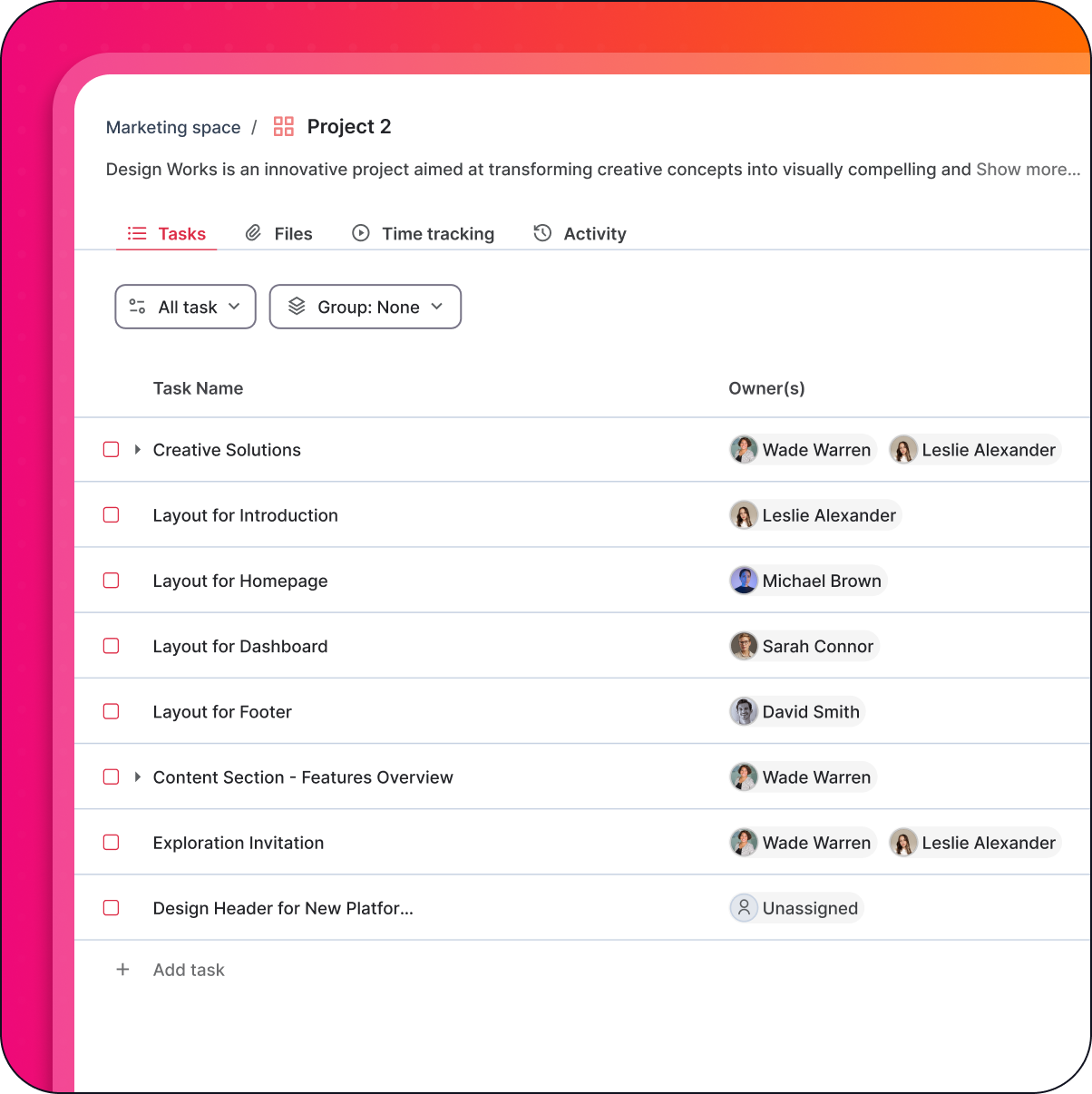
List View: Precision at Scale
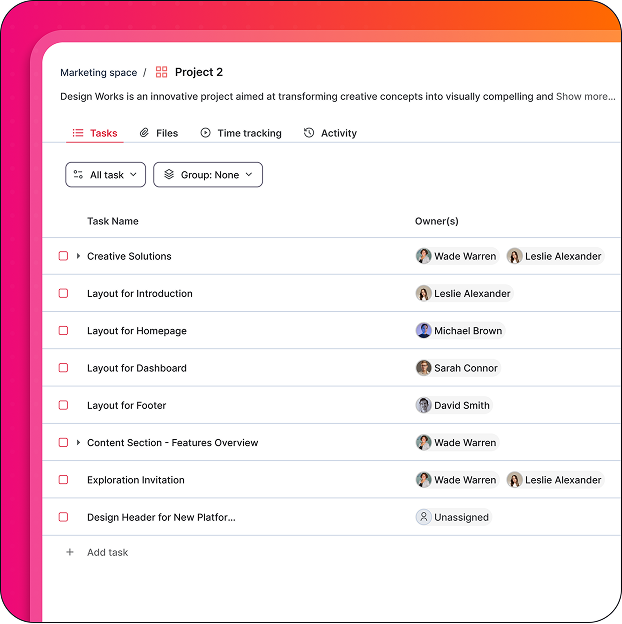
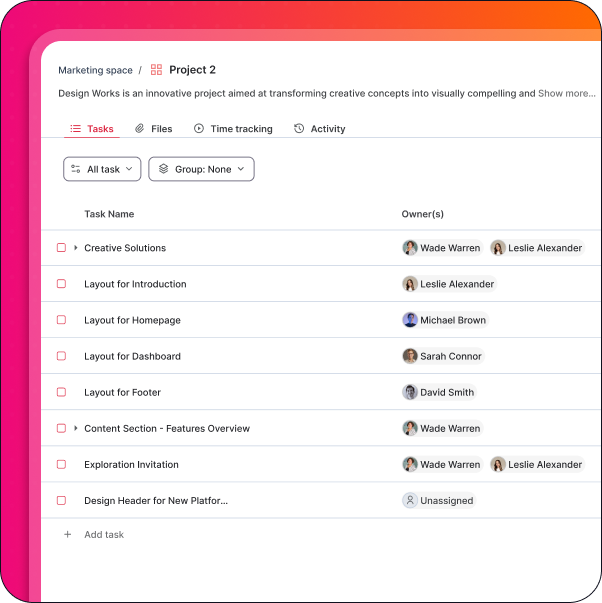
For the detail-oriented manager, the List view is your command center. It provides a clean, vertical look at every task, owner, and due date in one glance.
Total Accountability
With clear rows for assignees and deadlines, there is never a question of "Who is doing what?" Ownership is undeniable.
High-Speed Organization
Group, sort, and filter hundreds of tasks in seconds. Whether you need to see tasks by priority or by specific client, the List view keeps it organized.
The Result: A structured blueprint for your project that ensures total precision in execution.
Calendar View: Master Your Deadlines
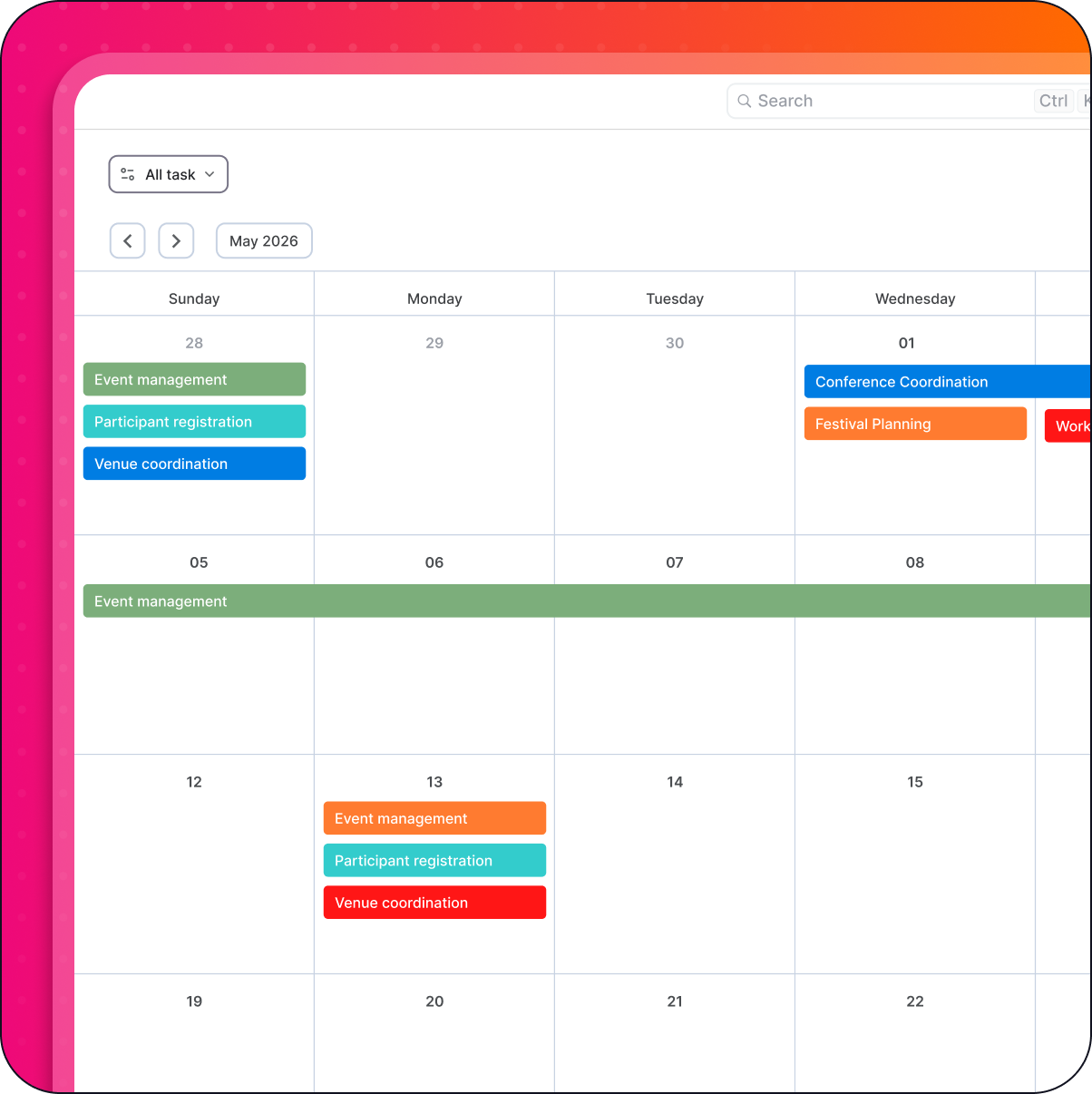
Stop getting surprised by "hidden" deadlines. The Calendar view plots your tasks onto a timeline so you can see the month, week, or day at a glance.
Protect Your Team from Burnout
Spot "deadline clusters" before they happen. If four major deliverables land on the same Friday, you can adjust the schedule early to protect your team’s mental health.
Proactive Planning
Statistics show that teams using visual calendars are 20% more likely to hit major milestones on time because they see the "horizon" of work coming.
The Result: A predictable schedule that eliminates last-minute fire drills.
Project & Task Management
Deliver projects on time while tracking time, cost and margin in one place.
Tasks
Break work into actionable tasks with clear owners, priorities, due dates, and billable status.
Projects
Plan and manage client or internal projects in a shared workspace with timelines, budgets, and progress tracking.
Subtasks & Dependencies
Structure complex work with dependencies so teams always know what comes next.
Custom Fields
Track client, priority, cost type, billable status, or any custom data that matters to your business.
Common Questions About Astravue
No. All three views are simply different “windows” into the same live data. If you change a due date in the Calendar view, it is instantly updated in the Kanban and List views. Your team stays on the same page, regardless of which view they prefer.
It depends on the task. Most agencies find the Kanban view best for daily production, the List view for initial project setup, and the Calendar view for reporting to stakeholders and managing long-term deadlines.
Astravue allows you to toggle between views at will. This flexibility ensures that every team member-from the creative who loves the Kanban board to the accountant who needs the List view-can work in the environment that suits them best.
By using the Calendar and Kanban views together, you can see when the volume of tasks is expanding beyond the original project timeline. Seeing this visually allows you to have “Data-Backed” conversations with clients about budget adjustments before the work is done.
See the Work Secure the Result.
Switching between views doesn't just change the layout; it changes your perspective.
Free 14-day trial
No credit card required
Cancel anytime