
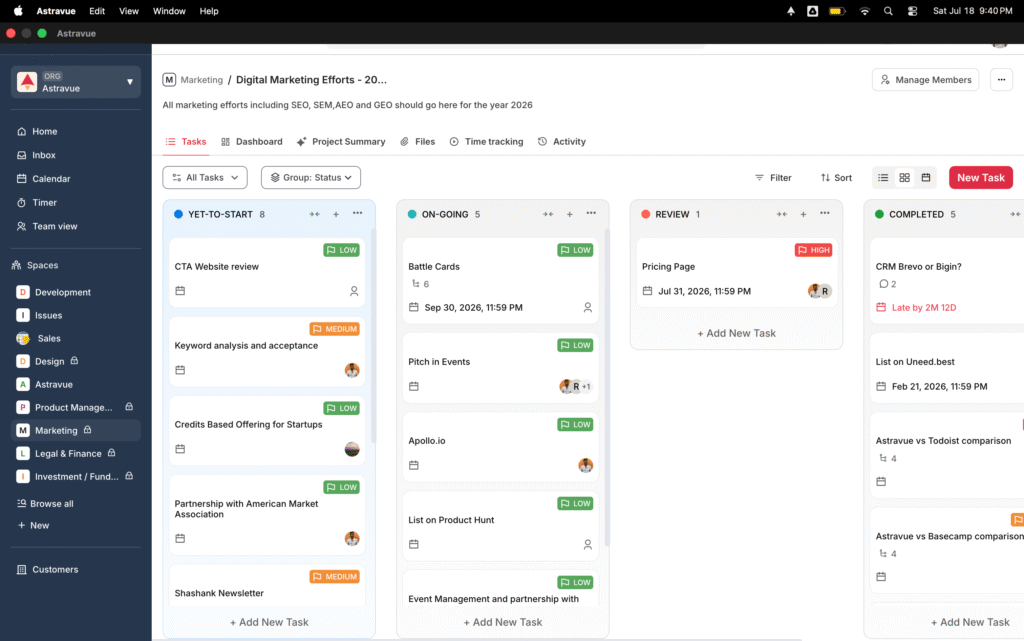
Astravue, right on your desktop
Faster to open. Lighter to run. Built for the way agencies and consulting teams actually work, without ten browser tabs in the way.
Questions & answers
Yes. Astravue has a native macOS app you can download and install directly on your Mac, instead of using it through a browser
Yes, the Mac app is free to download. It uses the same Astravue account and plan you already have, so your existing subscription applies.
The Mac app and the web version have the same features. The app opens faster, uses less memory, and runs in its own window instead of a browser tab
Yes. The Mac app is a universal build, so it runs on both Intel-based Macs and Apple Silicon Macs (M1, M2, M3, and newer).
Not yet. Astravue is currently available as a native app for macOS only. A Windows version is planned.
No. The Mac app uses the same Astravue account, so all your projects, tasks, and time entries stay exactly as they are. You’re just accessing them through a different window.
Yes, you’ll need to log in once with your existing Astravue account after installing. After that, you stay signed in like normal.
Yes. Both stay in sync, so you can switch between the Mac app and the browser version without losing any changes.
Yes. The app is distributed directly by Astravue and doesn’t require any third-party installers or extensions.
Drag the Astravue app from your Applications folder to the Trash, the same way you’d remove any other Mac app. Your account and data stay untouched since everything is stored in the cloud, not on your device.
Astravue is a project management platform built for agencies, IT consulting teams, and professional services organizations, covering projects, tasks, time tracking, and resourcing in one place.
For any further inquiries, please don't hesitate to contact our Sales team at sales@astravue.com.