astravue

Task Management

Deadlines Slipping? Missed Tasks? Nobody Knows Why?

Every growing team reaches a point where there’s too many tasks, too many channels, and no single place to see who’s doing what. Astravue’s Task Management feature is designed to fix exactly that.

Frame 2095586401

“Excellent, uncomplicated
but powerful”

G2

“My new favorite
task management App”

Appsumo

“Simple and Easy to use”

Trustpilot

Staying organized shouldn’t slow you down It should power you up.

Stay on Track, Every Day

No more lost to-dos or scattered messages. Astravue keeps your work structured. From big projects to small daily check-ins.

See everything in one place.

Organize tasks across projects, clients, and team members without switching tabs.

Never miss a deadline.

Visual timelines and smart reminders keep everyone accountable.

Stay connected.

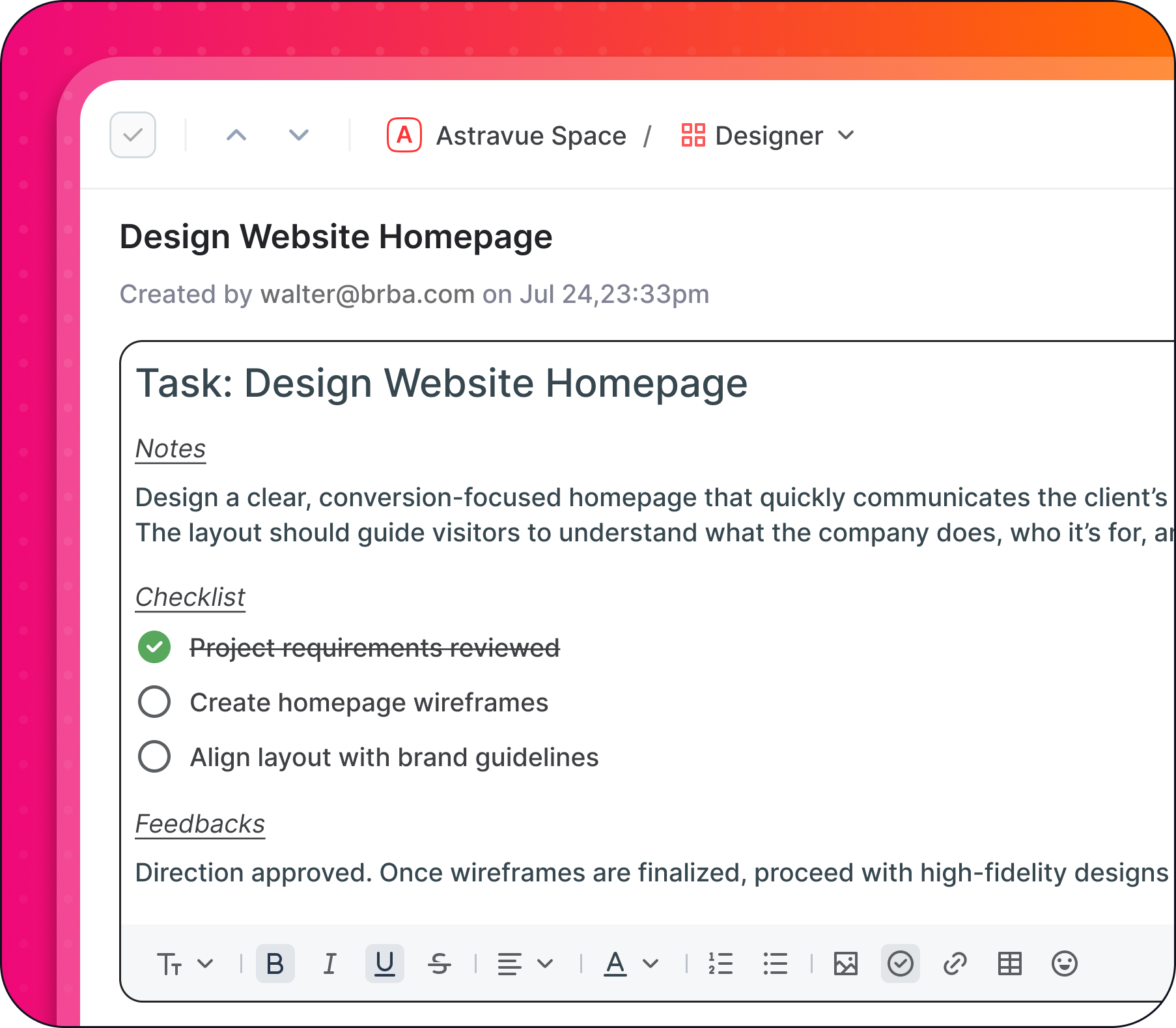
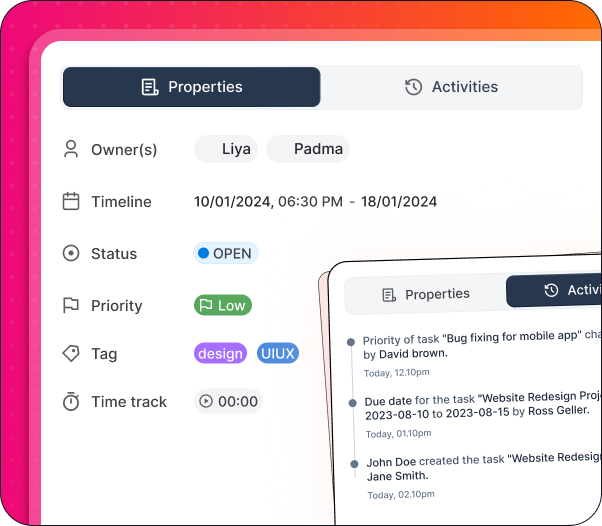
Add notes, files, and feedback right inside the task. No more chasing updates in chat threads.

Gain Clarity in Real Time

Never waste time again in thinking who’s doing what.  Astravue gives you a live picture of progress, bottlenecks, and priorities.

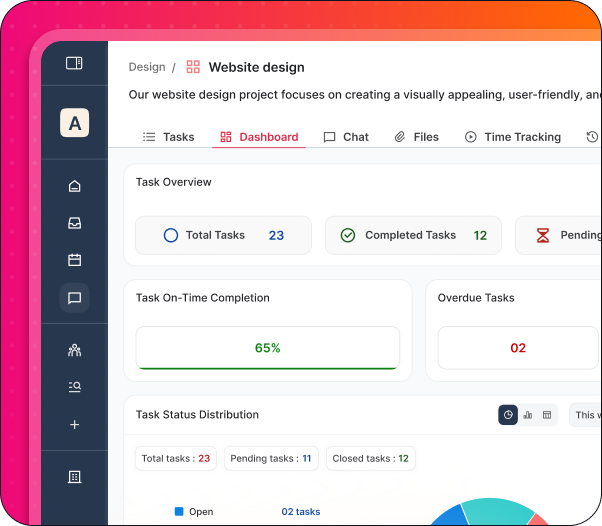
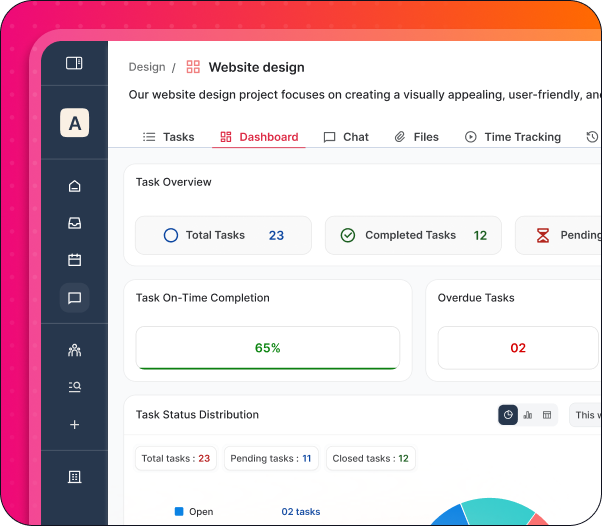
Real-time dashboards.

See where work stands instantly - what’s done, what’s next, what’s delayed.

Smart grouping and filters.

Sort by status, assignee, or client to focus on what truly matters.

Instant updates.

Changes sync across the team automatically, so everyone’s always in the loop.

Align Teams to Work Better, Together

Stop in-fighting and having to deal with angry clients Astravue helps your team align on goals, expectations, and outcomes.  So you spend less time coordinating and more time creating.

Shared accountability.

Everyone knows their role, owners, and next steps.

Aligned priorities.

Keep tasks tied to goals from deliverables to campaign milestones.

Better handoffs.

Seamless task transitions between design, dev, marketing, or client teams.

Project & Task Management

Deliver projects on time while tracking time, cost and margin in one place.

Frame (1)

Projects

Plan and manage client or internal projects in a shared workspace with timelines, budgets, and progress tracking.
Frame (2)

Views

Switch between List, Kanban, Calendar to match how your team works.
Frame (3)

Subtasks & Dependencies

Structure complex work with dependencies so teams always know what comes next.
Frame (4)

Custom Fields

Track client, priority, cost type, billable status, or any custom data that matters to your business.

Common Questions About Astravue

Can I set recurring tasks for weekly reporting or monthly maintenance?

Yes. You can automate repetitive workflows by setting tasks to repeat daily, weekly, or monthly. This ensures that routine agency operations—like client reporting or social media audits—are never forgotten.

Does Astravue support file attachments and internal team feedback?

Absolutely. You can upload documents, images, and briefs directly into any task. This keeps the context where the work happens, eliminating the need to “dig through” Slack or email threads for the latest file version.

Which view is best for my team?

It depends on your workflow:


List View: Best for daily to-dos and high-density planning.

Kanban Boards: Ideal for visual teams (like Design or Dev) tracking “To Do,” “In Progress,” and “Done.”


Calendar View: Perfect for marketing agencies managing content schedules and hard deadlines.

How is Astravue different from complex tools like Jira or ClickUp?

While Jira and ClickUp offer heavy customization, they often lead to “tool fatigue.” Astravue is positioned as a high-clarity, low-friction alternative. We focus on speed and ease of use for agencies and small teams who need to get work done, not spend hours configuring their project management software.

Is Astravue suitable for guest/client collaboration?

Yes. Astravue is built for agency-client alignment. You can share specific project views with clients to maintain transparency on progress without exposing your internal team’s private notes.

Does Astravue offer a free trial for small teams?

Yes, you can start a free trial with full access to the Task Management Suite. No credit card is required to begin planning smarter and working clearer.

Can I migrate my tasks from other tools?

Astravue supports easy imports, allowing you to bring your existing projects over so your team can hit the ground running without losing historical data.

Can I customize task statuses to match my team’s specific workflow?

Yes. Unlike rigid tools, Astravue allows you to create Custom Statuses. Whether your workflow is “Draft → Internal Review → Client Approval” or “Backlog → Sprint → Live,” you can rename and color-code stages to reflect exactly how your team moves from start to finish.

How does Astravue help in prioritizing urgent client requests?

Every task in Astravue can be assigned a Priority Level (Low, Medium, High, or Urgent). You can then use the “Smart Filter” to instantly surface high-priority bottlenecks across all projects, ensuring that “fires” are put out before they impact your delivery timeline.

Get you, your team or agency to plan smarter, work clearer, and deliver faster